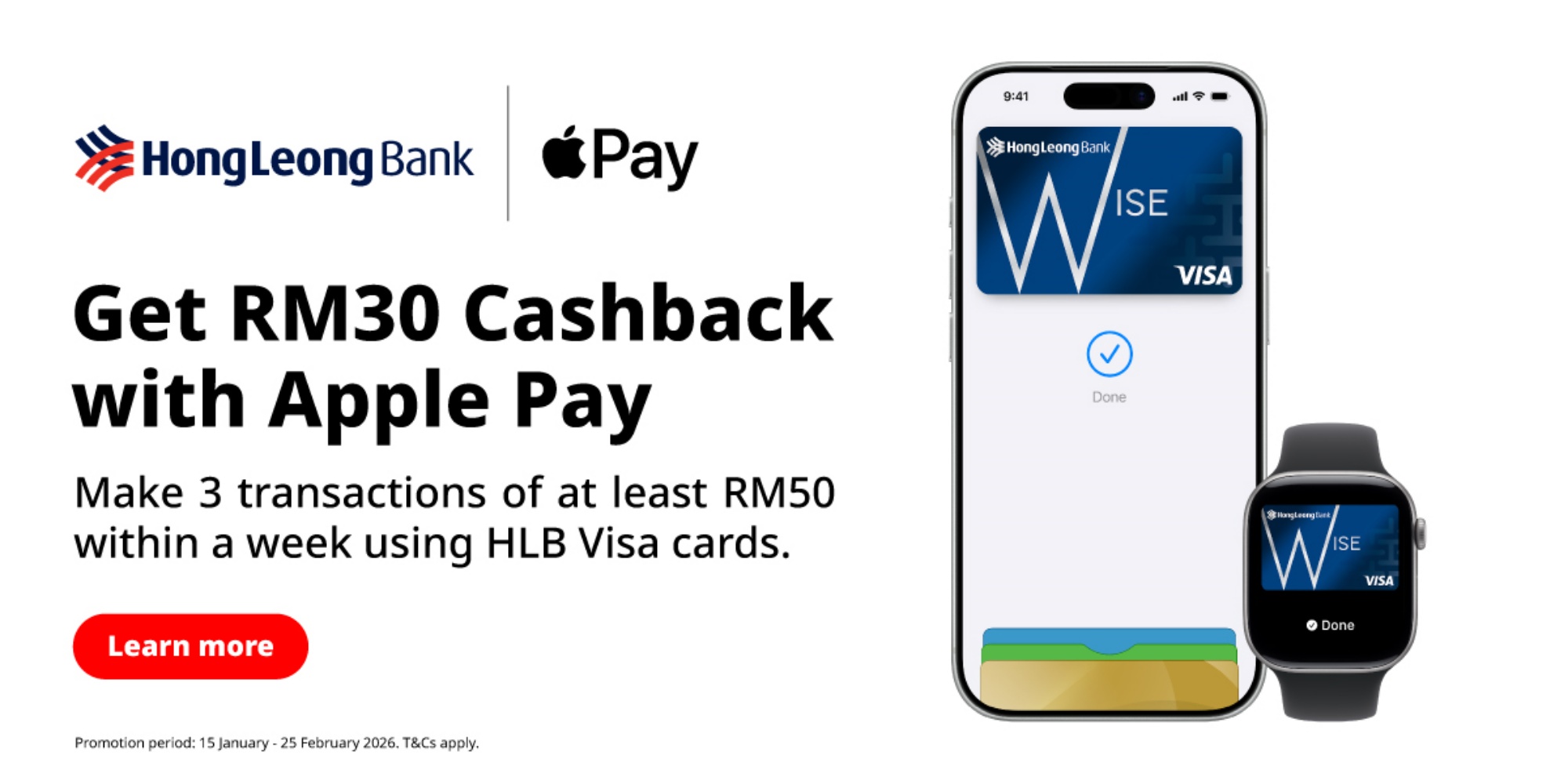
Since 16 December 2025, Hong Leong Bank (HLB) Visa cards have officially received support on Apple Pay. This in turn allows iPhone users to link their HLB Cards to Apple Wallet and use its NFC-based cashless payment feature for both in-store and online transactions. According to the bank, the rollout aligns with its goal of continuously providing customers with up-to-date digital solutions and meaningful financial services that meet their needs.
In conjunction with this rollout, HLB has announced a new promotion for cardholders. Starting on 15 January 2026, customers who make three Apple Pay transactions of at least RM50 per transaction within a week will be entitled to receive RM30 cashback.
How To Add Your HLB Visa Card to Apple Pay
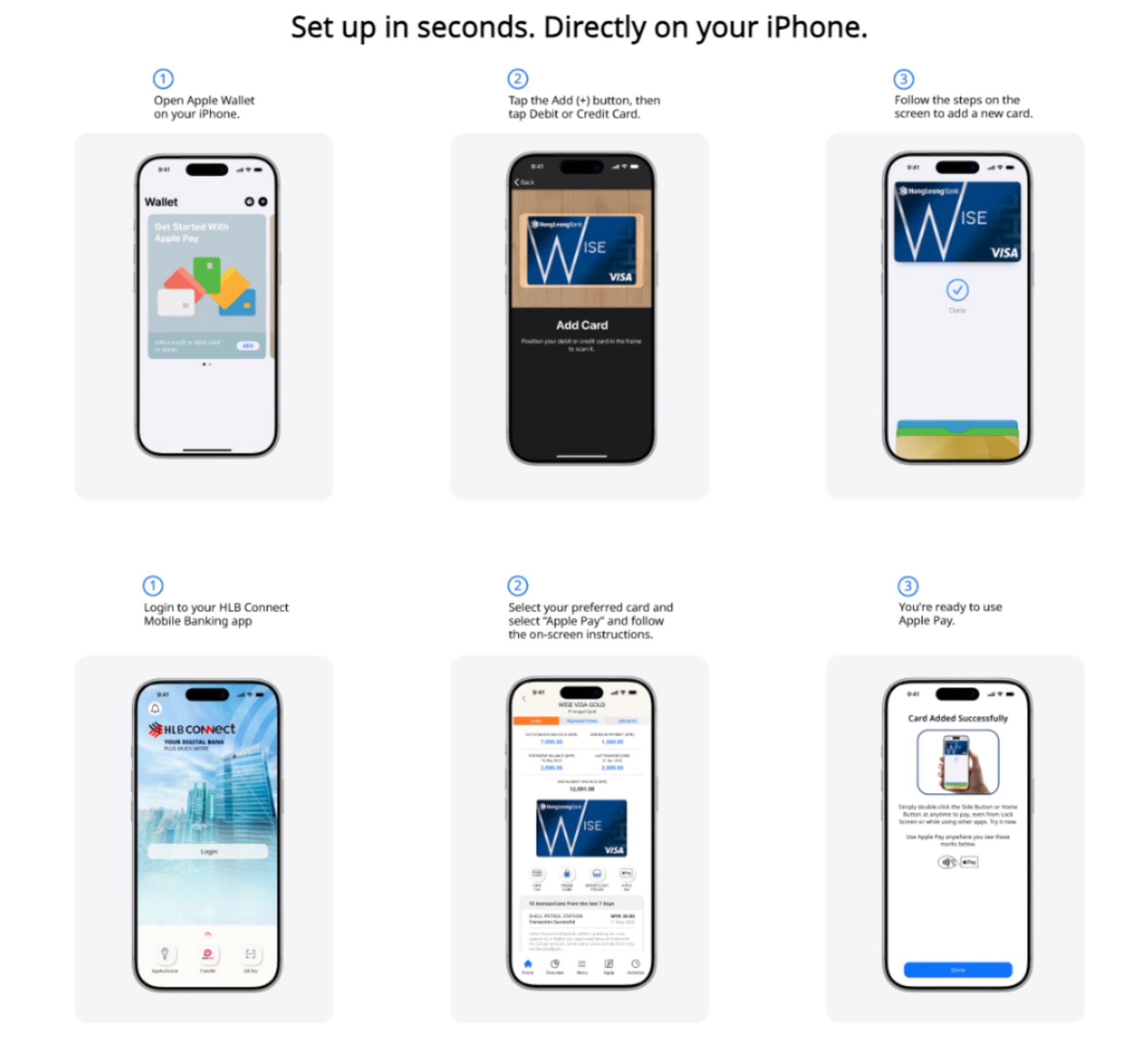
Via HLB Connect App
- Launch the HLB Connect app
- Login to your HLB account
- Look for the option to add your Visa card to Apple Pay
- Follow the in-app instructions to verify and complete the setup
Via Apple Wallet
- Open the Apple Wallet app on your iPhone
- Tap the “+” button at the top
- Select “Debit or Credit Card”
- Add your card by:
– Tapping it against the back of your iPhone or
– Entering the card details manually - Complete the prompted verification step
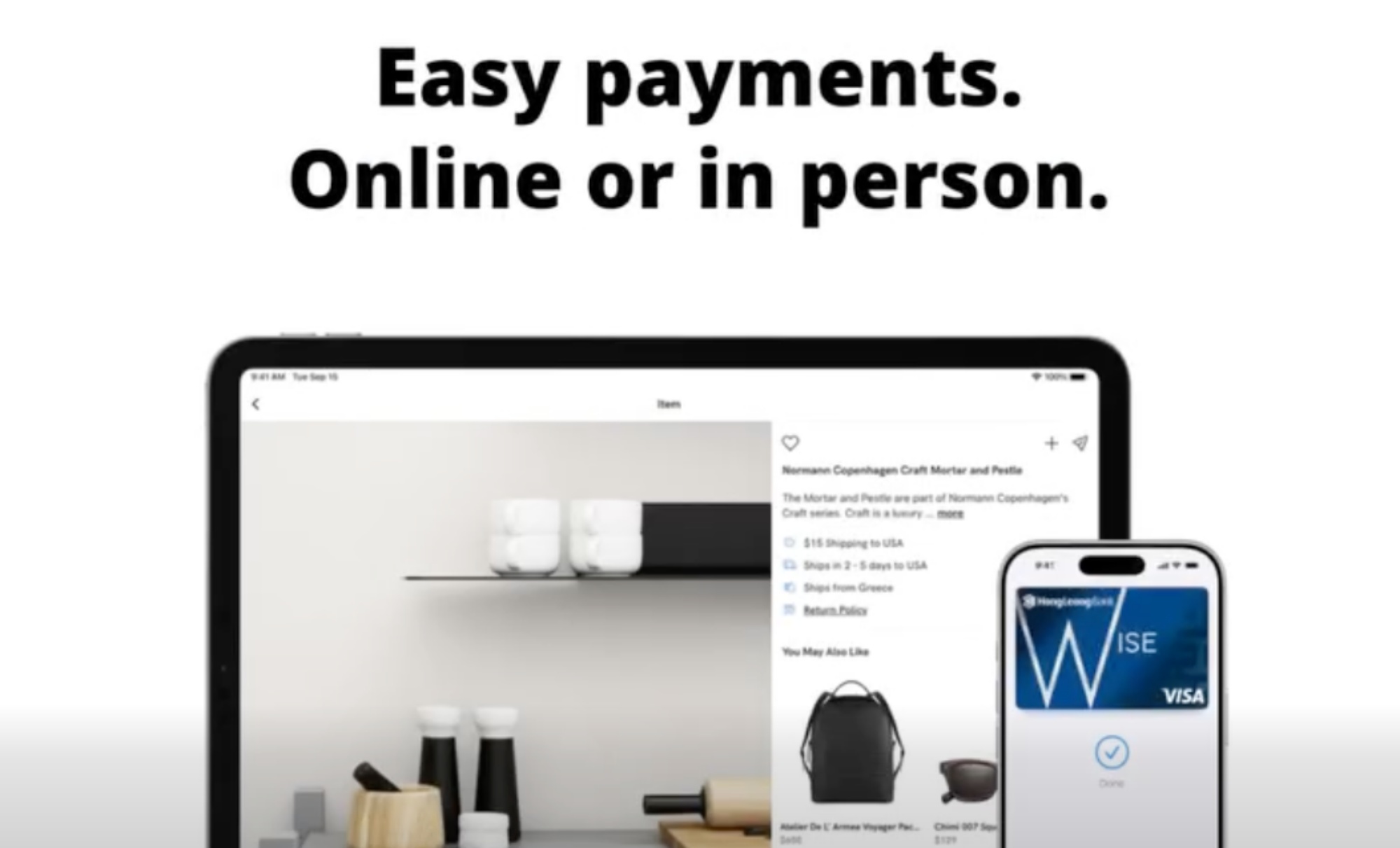
How To Use Your HLB Visa Card With Apple Pay
For In-Store Payments
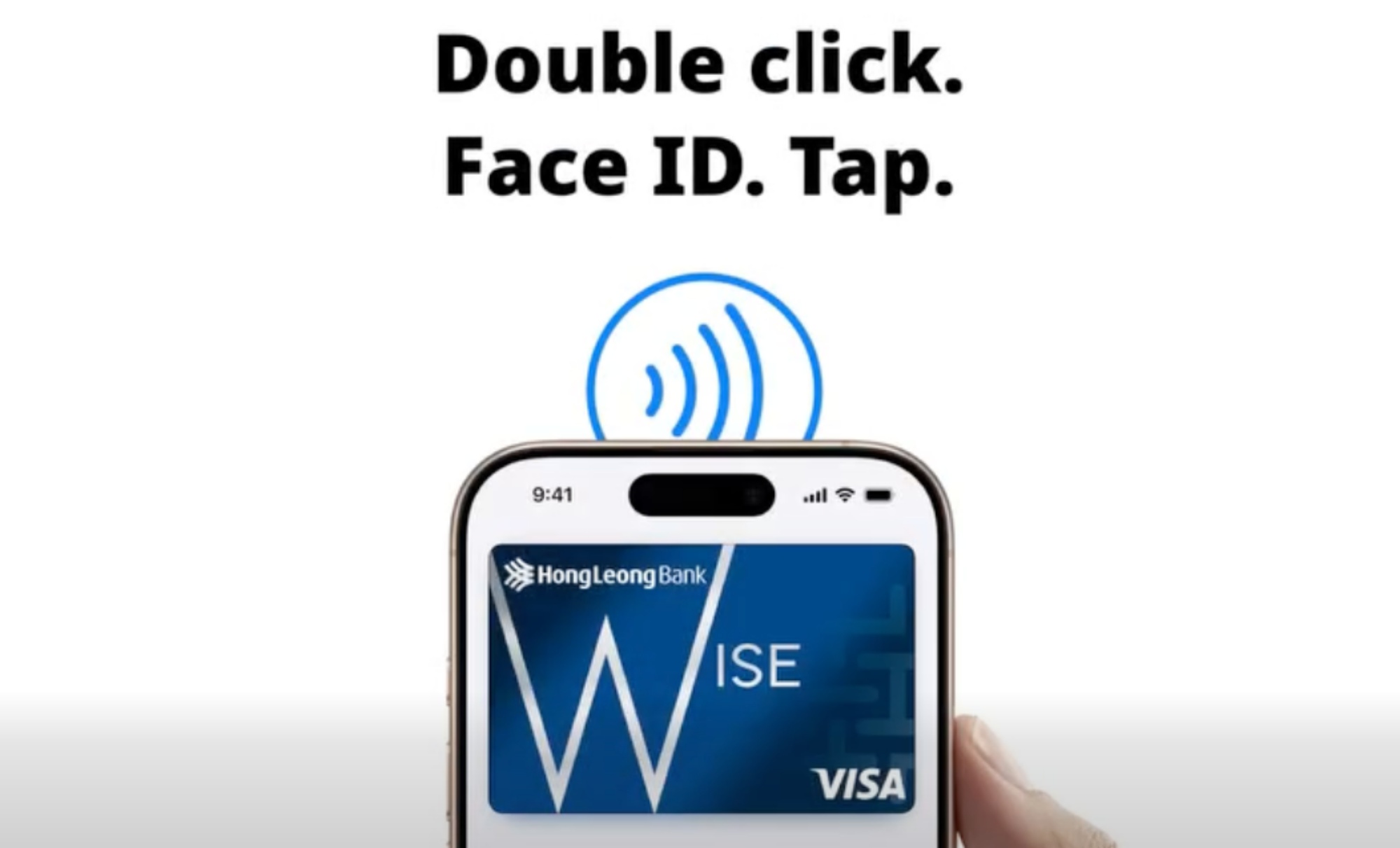
- Double-click your iPhone’s lock button to bring up Apple Pay
- Authenticate with Face ID
- Select your HLB Visa card if it isn’t the default
- Hold your iPhone over the payment terminal to complete the transaction
For Online Payments
- Choose Apple Pay at checkout on supported websites and apps
- Authenticate using the usual Face ID prompt
- Confirm the transaction
With this addition, HLB joins the list of banks and payment platforms that support Apple Pay in Malaysia. Customers can now benefit from seamless, contactless payments both locally and abroad via their iPhones. For full Terms & Conditions, please visit www.hlb.com.my/applepay.
(Source: Hong Leong Bank press release / Facebook)