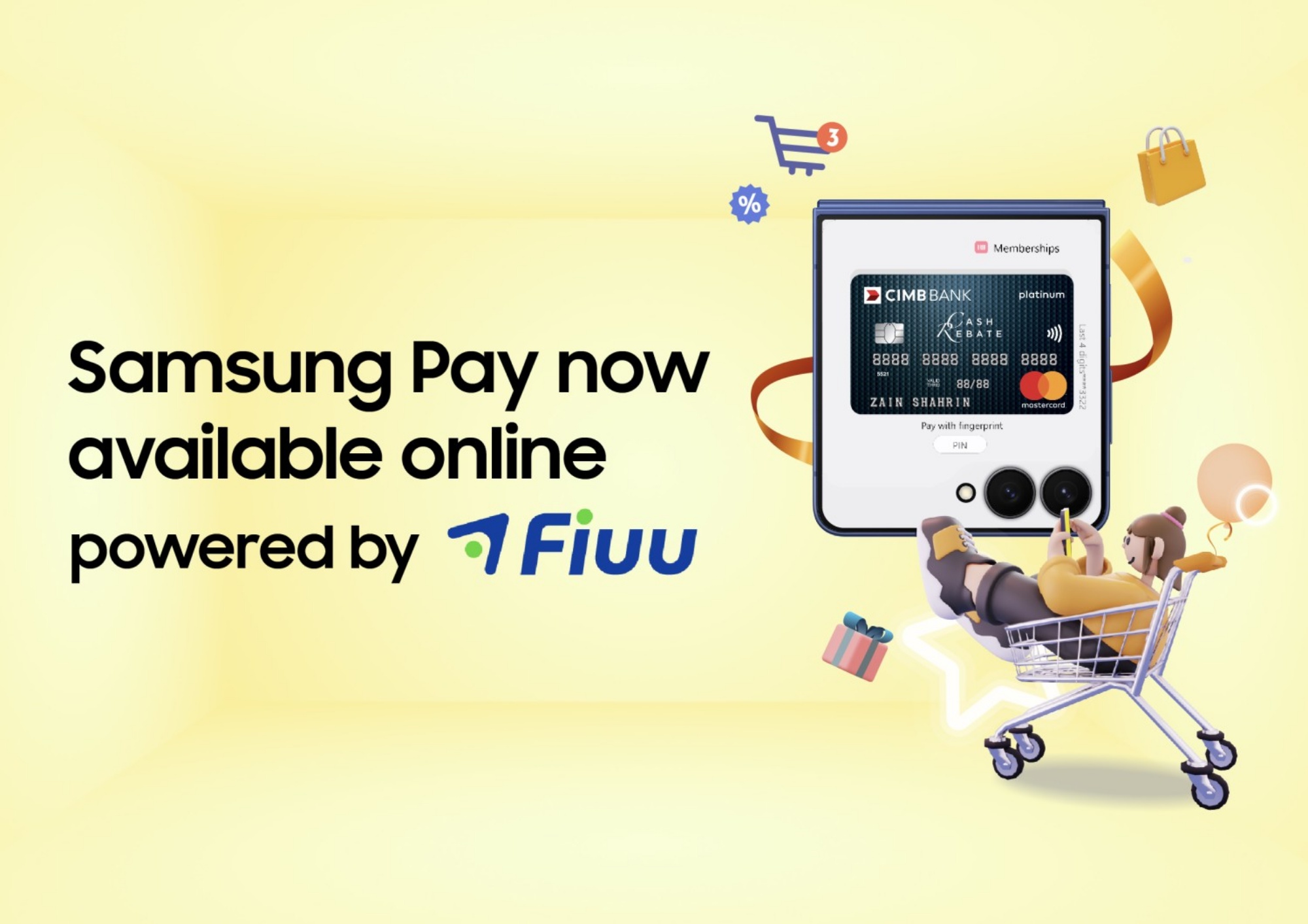
Samsung Pay now works with a broad network of e-commerce merchants in Malaysia, including Samsung’s own online store. Samsung enabled this through a collaboration with payment service provider Fiuu. The move aims to push Samsung’s wallet feature beyond walk-in stores and deeper into the fast-growing online shopping space, with Fiuu powering the backend that makes the entire digital rollout possible.
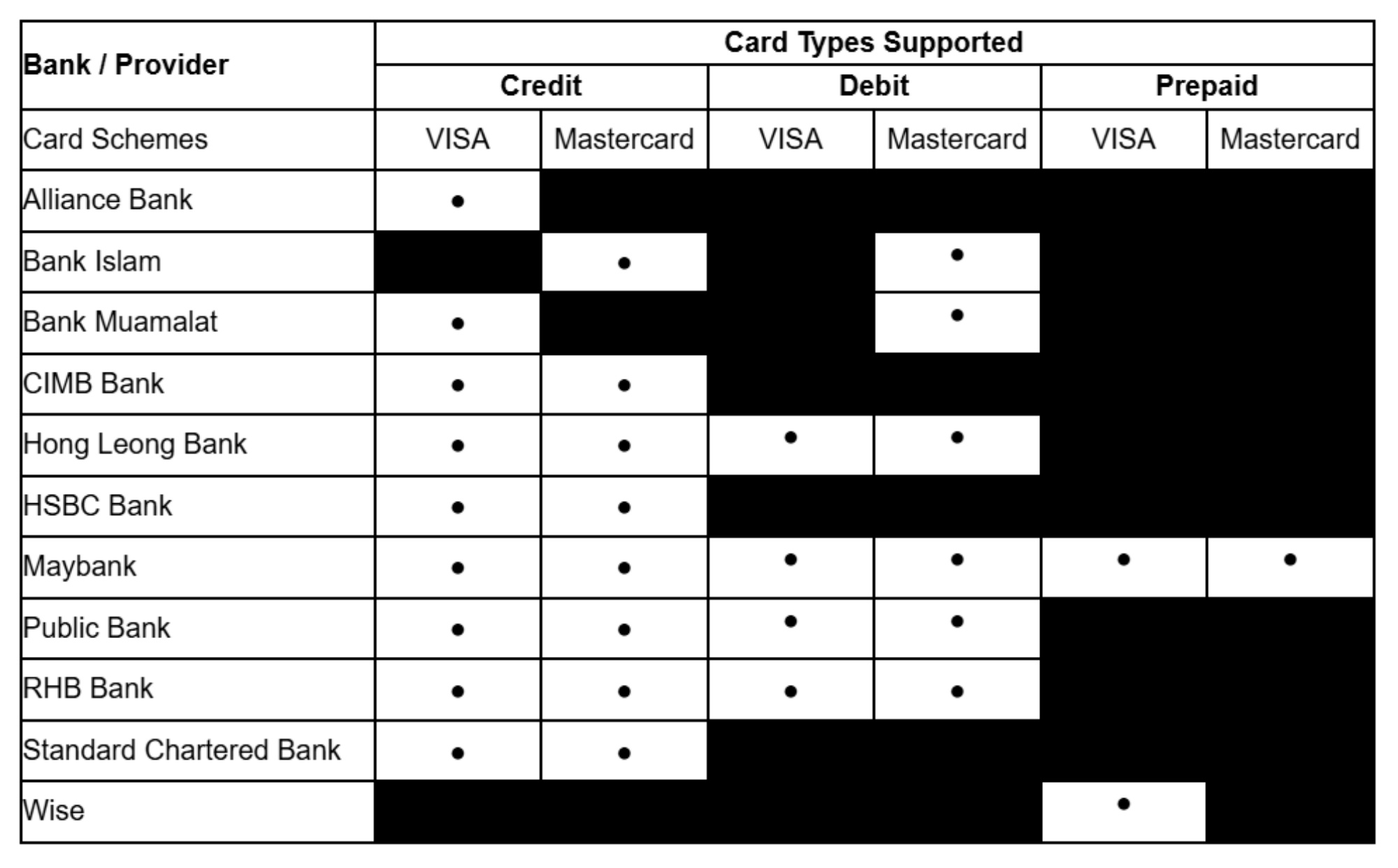
Through Fiuu’s acquiring infrastructure, merchants can integrate Samsung Pay under a single system, allowing them to reach a wide range of consumers without separate integrations for supported banks. On that note, 11 banks in Malaysia currently support Samsung Pay, which are listed in the table below, along with further details:
Rewards Now Apply Online
One major highlight of the rollout is that online Samsung Pay transactions now earn Samsung Rewards Points, just like in-store payments. This closes a long-standing gap where many device-based or mobile wallet payments only rewarded physical purchases.
You can use Samsung Rewards Points earned through online payments in multiple ways. Users can redeem points for items from Samsung’s rewards catalogue, which includes vouchers for food and beverages or Samsung products, or they can use the points to offset the cost of a new Samsung device.
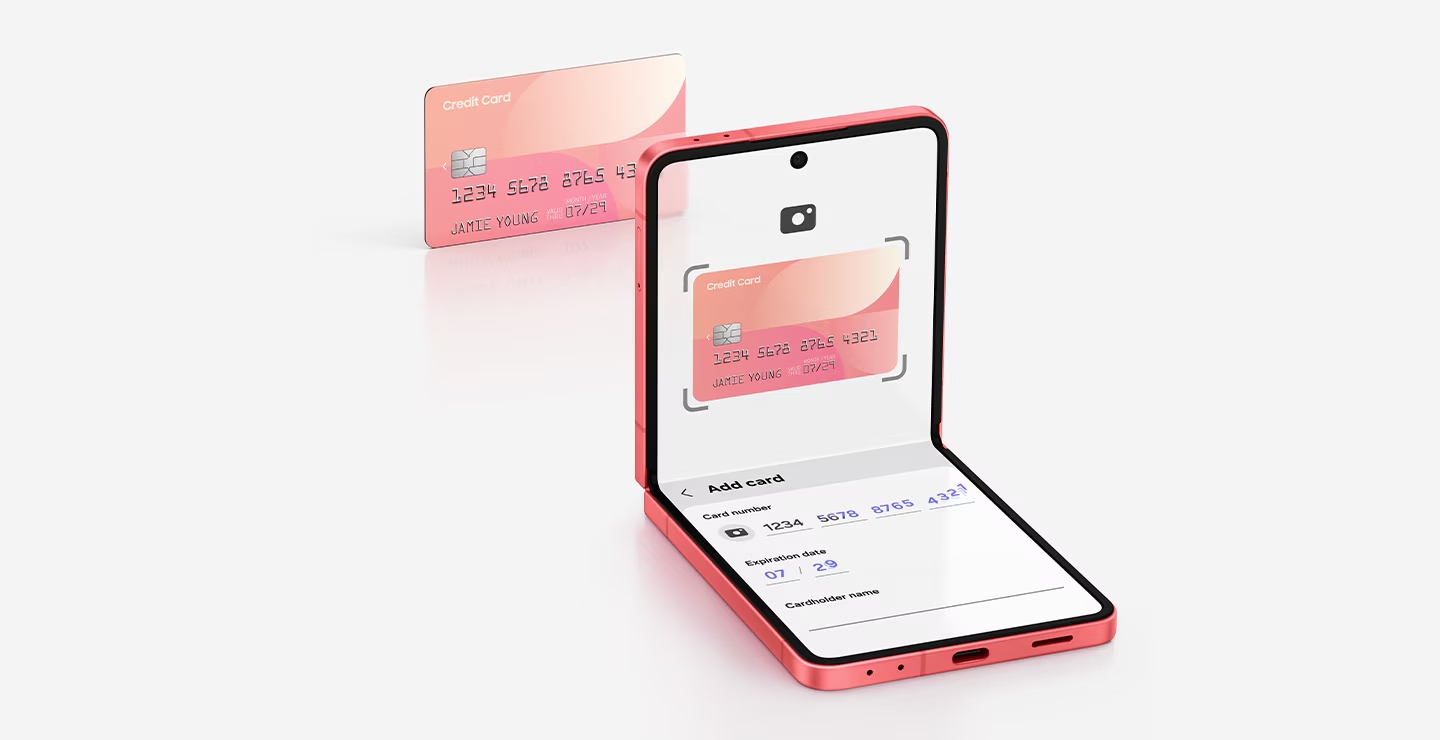
Activating Samsung Pay
To start using Samsung Pay, launch the app and add a payment card by scanning it, using NFC, or entering the details manually. Next, accept your bank’s Terms of Service and complete the verification process. Once your card is successfully added, you can pay by swiping up to launch Samsung Pay and authenticating your transaction.
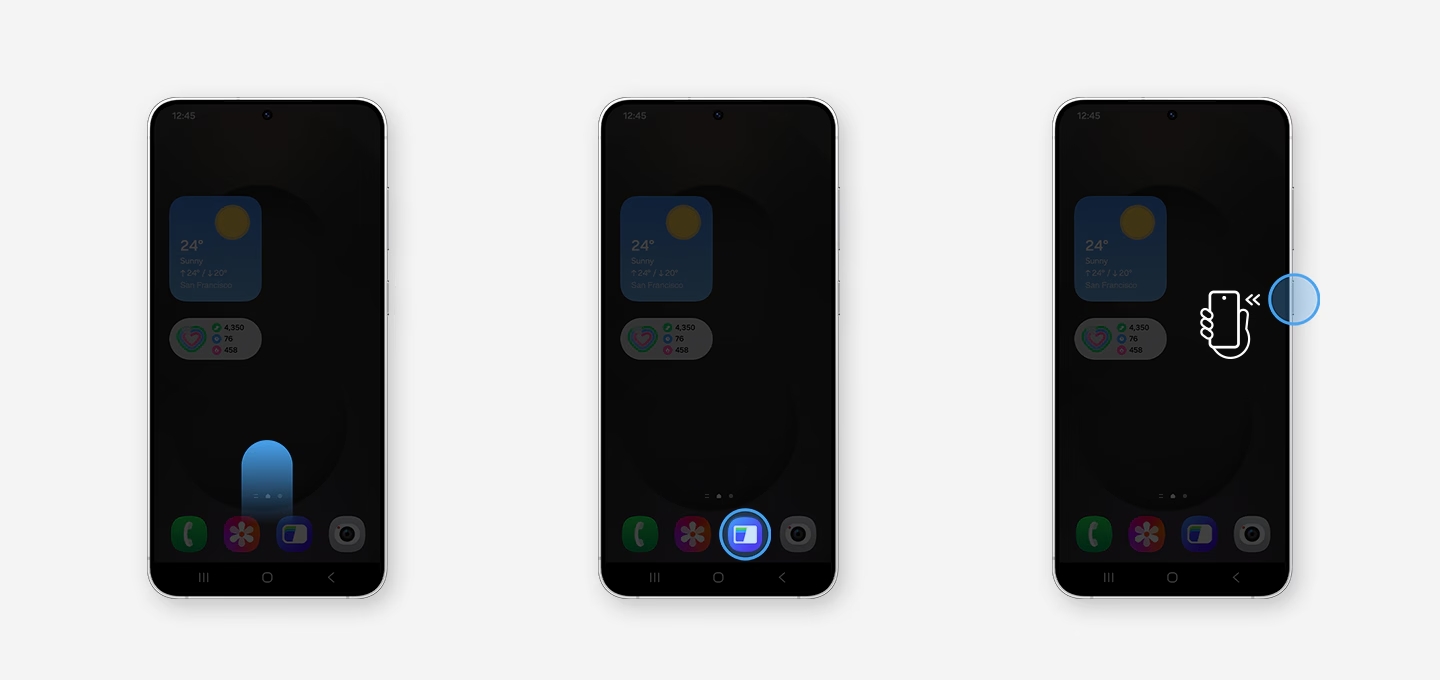
How To Use It
For online transactions, simply select “Samsung Pay” during checkout via supported merchants. For in-store purchases, you can use Samsung Wallet, which you can access in three ways on your Samsung device: swipe up on the screen, double-tap the side key, or launch the app directly.
(Source: Samsung Malaysia press release / official website)